

Articles | Photoshop and Photography blog | about me |e-mail

ProjectWoman

Welcome to Helen Bradley's Microsoft Office and productivity blog. I'm a lifestyle journalist specializing in business and consumer software and here you'll find handy hints for using software such as Microsoft Office 2007 and other office applications. Elsewhere on projectwoman.com you'll find tutorials, articles, how tos and tips on photography and Photoshop CS3. My publishing credits include PC Magazine, Windows XP magazine, CNet, PC User magazine, InformIT and others.

Friday, September 21, 2007

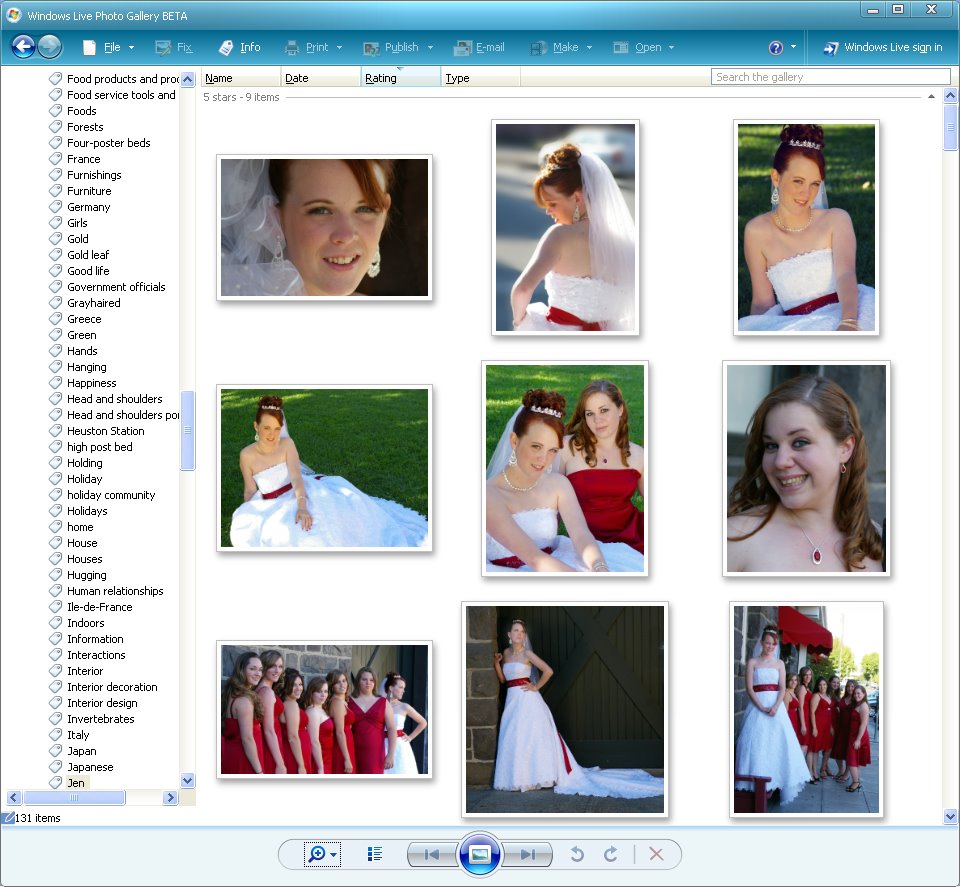
Windows Live Photo Gallery Beta is here


This cool new Photo Gallery tool from Windows Vista is at last available for Windows XP.

This was a Vista only program but, recently, it was released as a private beta, now it's public. You can download it from here: http://get.live.com/betas/photogallery_betas.

To use it, you’ll need to have Windows XP SP2 installed and expect the download and installation process to take a while - actually, scrub that, it takes ages.

However, it looks great, it has the Vista look to it and it's a worthy replacement for the Windows Picture and Fax Viewer.

It has a great panorama assembly tool under the Make menu - just select the panorama images first then click this option.

Overall the program is pretty good and probably the biggest missing omission is a good rotation tool. While it rotates in 90 degree increments it sorely needs a tool that rotates in tiny quantities like fractions of a degree.

Labels: ,

Add to Technorati Favorites

1 Comments:

At September 22, 2007 12:06 AM , Anonymous Anonymous said...

Hi there! I’m a Program Manager on the Windows Live team that is building Windows Live Photo Gallery and updating the photos features on Spaces. Thanks for downloading and using the Beta! As you come across potential bugs or if you have suggestions, please drop us a line at our team blog: http://blogs.msdn.com/pix

We’re listening to our customers!

Thanks!
Michael Palermiti


Post a Comment

Links to this post:

Create a Link

<< Home