


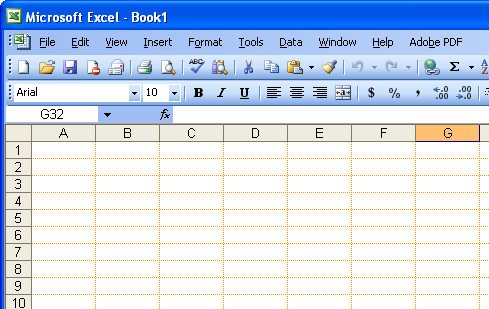
Ok, grey is my favourite colour – it’s the colour of my old school uniform. I’m an Aussie and we still wear uniforms to school! Mine was grey serge in winter and grey cotton in summer, complete with hats and gloves. I kid you not and this is seriously OT and it uses Australian spelling so I’ll get back to what I was saying.
Ok, so gray might be my favorite color but it’s probably not yours. If Excel’s gray gridlines offend your color sense, you can change them or remove them entirely. To remove them choose Tool, Options, View tab and disable the Gridlines checkbox.
To change the color of the lines, choose Tool, Options, View tab and choose an alternate color from the Gridlines color dropdown list. If you didn’t realise gridlines were little dots and not solid lines, you’re about to see that that’s exactly what they are.
Post a Comment
Please feel free to add your comment here. Thank you!