


If you’re like me you like to spread the good news around and introduce one contact to another. It just makes for better business.
However it’s a nuisance to have to retype all a person’s contact details just to send them on to someone else. Well it is unless you know this trick:
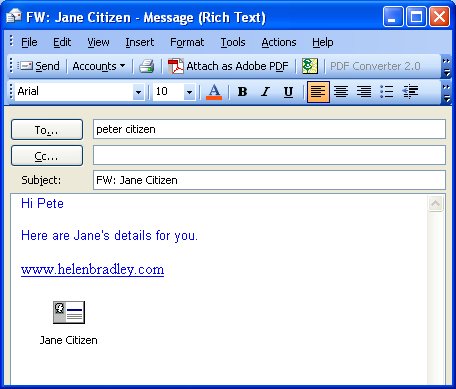
To forward a contact’s details in Outlook open Outlook in the Contact area and right-click the Contact’s name in the list. Click the Forward button and an email will open automatically with the contact’s details appended as an Outlook readable file. Simply complete the details of the email message and forward on the contact information. At the other end all your contact needs to do is to drag and drop the contact’s details from the email message into their contact’s folder.
Post a Comment
Please feel free to add your comment here. Thank you!