


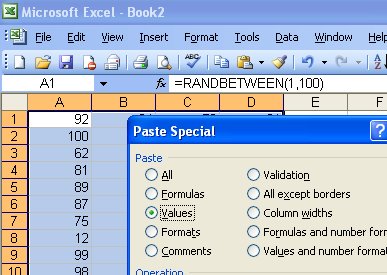
Sometimes you need to convert formulas into fixed figures – not often I admit, but often enough that there is an Excel tool for doing this.
To convert any formula into a fixed value, select the cell or cells to fix and choose Edit > Copy and then immediately choose Edit > Paste Special > Values. Instantly your formulas are converted to fixed figures.
Post a Comment
Please feel free to add your comment here. Thank you!